
By Truly Smart Finds Vault | Device Security | RAT Attack Survival

How I Got Hacked and Nobody Would Listen — The Warning Signs Everyone Missed
The screen was dimming while I typed. The autocomplete was finishing my sentences. My computer turned on by itself at 8:45 at night. And not one person in tech support believed me.
What I’m about to tell you sounds unbelievable. In fact, if someone had told me this story a year ago, I probably would have rolled my eyes and looked for a simpler explanation.
But then it happened to me.
My phone was acting strange. The screen would dim and brighten while I was typing. Predictive text seemed to know entire sentences before I finished them. My devices were behaving in ways that didn’t make sense, and every time I asked for help, I got the same response:
“It’s probably nothing.”
“That’s normal.”
“You’re worrying too much.”
For weeks, I knew something was wrong, but nobody believed me. Not tech support, Not the phone store and Not Even the computer store. Everyone had an explanation, but nobody had an answer.
What I didn’t know at the time was that there was a reason all of these strange things were happening.
It had a name.
A Remote Access Trojan.
A RAT.
And by the time I finally figured it out, it had already spread across five of my devices and turned my digital life upside down!
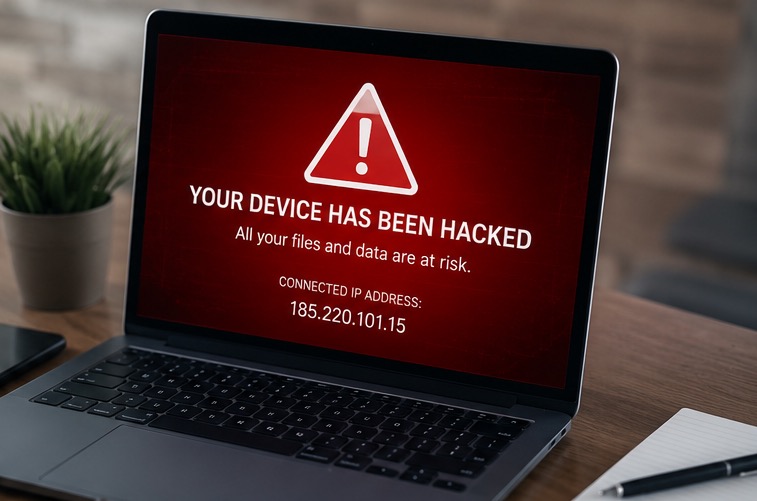
If you’re experiencing similar warning signs, don’t wait weeks searching for answers like I did.
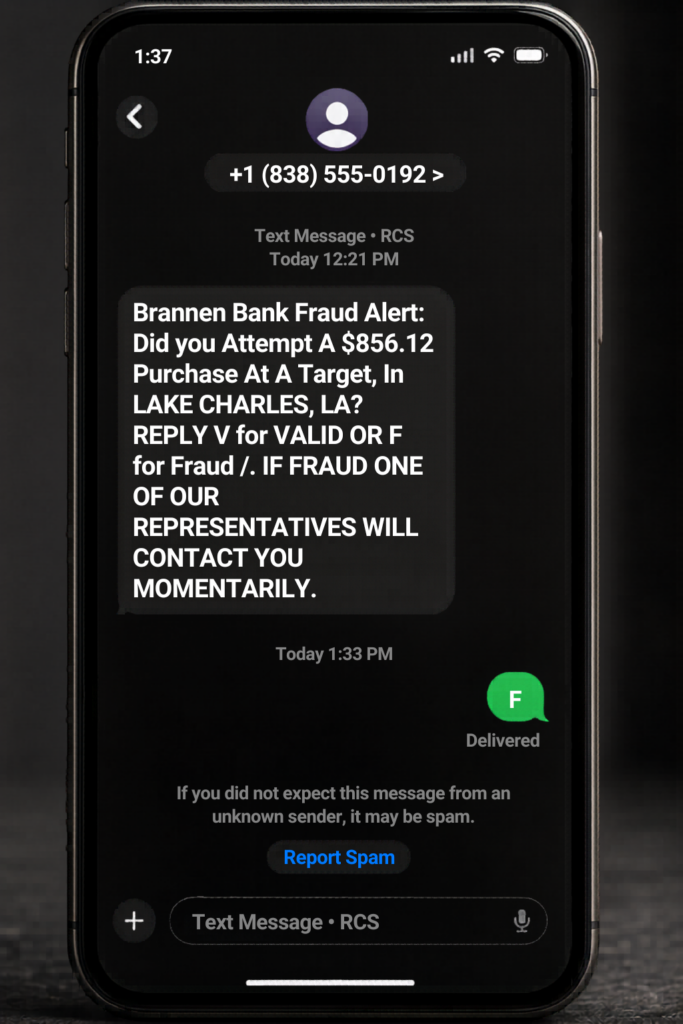
Where It Started — One Wrong Digit
It started with a text message. A message that looked exactly like it came from my bank — complete with their fraud detection language and a simple choice: Press F for Fraud or V for Valid.
The only thing wrong was the phone number. It started with 838 instead of 888. One digit. That is the entire difference between a sophisticated criminal operation and a legitimate bank communication.
I pressed F. And in that moment, something was delivered to my phone that would spend the next several weeks dismantling my digital life from the inside!

The Warning Signs — And Why Nobody Recognized Them
“Something is wrong with my phone. The screen keeps going bright then dim then bright again — but only while I am typing.” I told three different tech support people. Every single one had an explanation that was not “you have been hacked.”
Here is what I need you to understand: the symptoms of a Remote Access Trojan (RAT) infection are specific and recognizable — if you know what to look for.
📱 Screen brightness cycling while typing
The screen dims and brightens while you are actively typing. This happens because a remote user is accessing your screen in real time. Normal auto-brightness responds to room light — not to your keystrokes.
⌨️ Autocomplete finishing entire sentences
Predictive text completing full sentences from one word. Your keystrokes are being logged and fed back into your device’s suggestion engine by the malware.
💻 Computer turning on by itself
My boyfriend walked into our house and the desktop computer powered on and began opening applications on its own. That is direct remote access — someone else controlling the mouse and keyboard.
📲 Apps you never installed
I found two applications on my devices that I had absolutely no memory of installing. Remote access tools frequently install secondary programs to maintain access even if one is discovered.
🔒 Accounts locking unexpectedly
Three weeks after the initial attack, my Amazon Vine Gold tier account locked for suspicious activity. Because someone else was logging in from a different location using credentials stolen from my device.
🔥 Phone hot with no apps open
A warm or hot phone with nothing running is a sign of background processes transmitting data. Your device may be actively sending your files, photos, and passwords to a remote server.
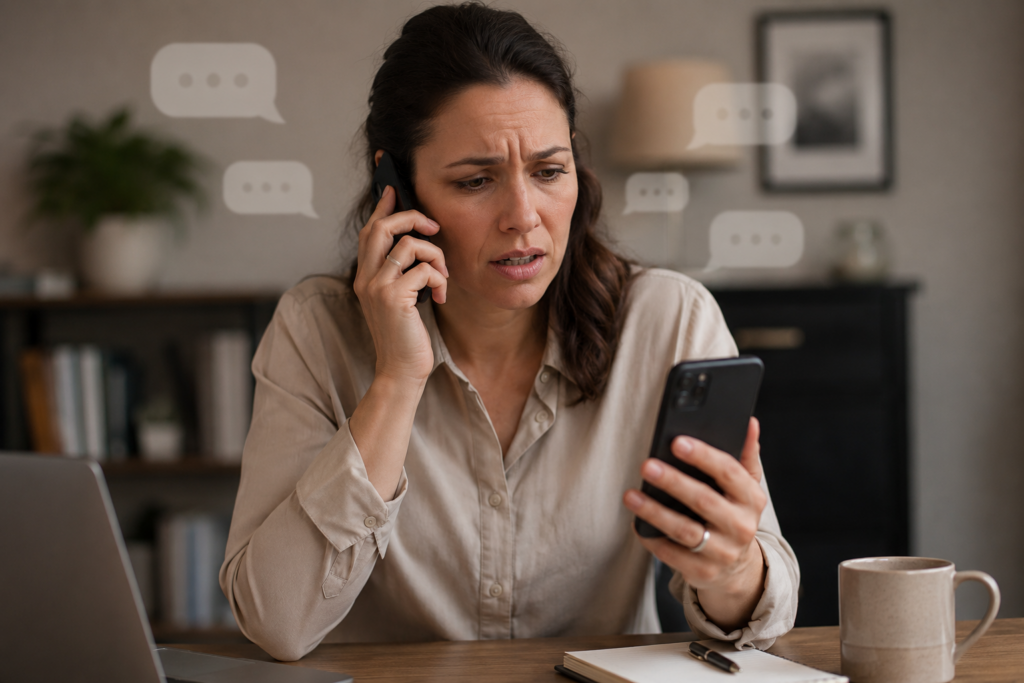
What Tech Support Told Me Instead
I want to be specific about this because I think it matters. These are the actual responses I received when I described these symptoms:
- “iPhones cannot get hacked.” — This is not true. iPhones can be compromised through malicious configuration profiles, exploited apps, and social engineering exactly as mine was.
- “The screen brightness is just your auto-brightness setting responding to light.” — Auto-brightness responds to ambient light. It does not respond to you typing while the phone is lying face-up in a room with consistent lighting.
- “Something attached to a screenshot tried to hack their bank — that is not possible.” — It is not only possible, it is a documented attack vector. Steganography — hiding executable code inside image files — is a known technique.
- “We can clean your devices for $250 each.” — The computer store that told me this. Five devices at $250 each. Without any certainty they could actually fix it.
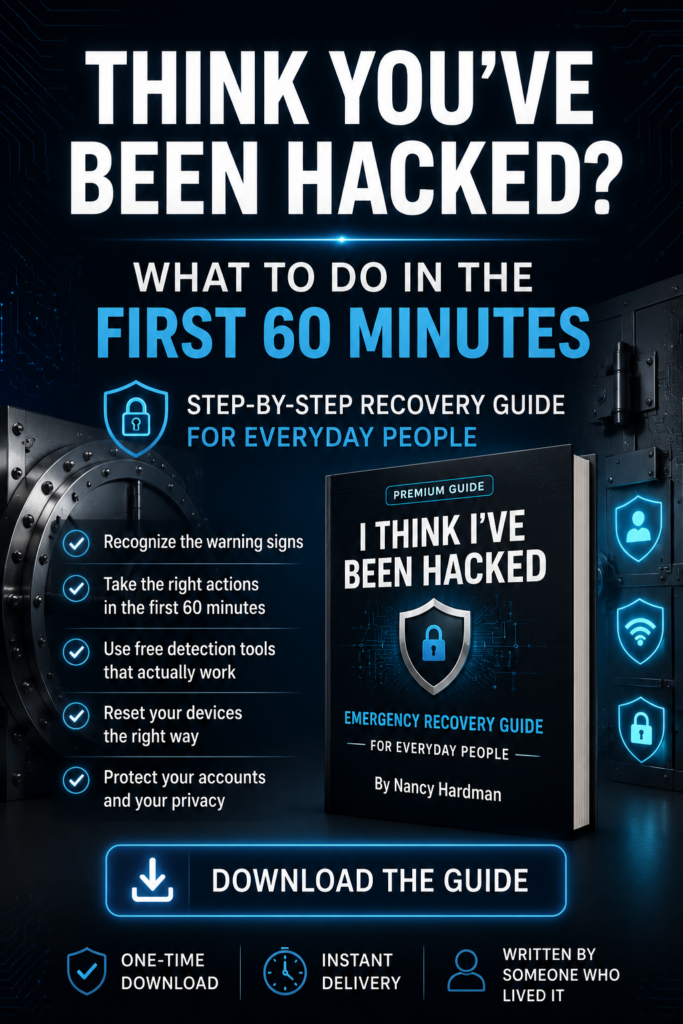
Think your device may be compromised?
Download my step-by-step guide:
📘 I Think I’ve Been Hacked: What to Do in the First 60 Minutes After a Device Compromise

How I Figured It Out — On Vacation — Alone
I was on vacation in Ormond Beach, Florida when I decided that if nobody was going to help me, I was going to figure it out myself.
By this point, I was exhausted. For weeks I had been trying to convince people that something was seriously wrong with my devices. I had explained the strange behavior, described the warning signs, and asked for help everywhere I could think of. Every explanation pointed to anything but a compromise. Then came the final blow. I woke up one morning to find that my Amazon Vine Gold account—an account I had spent two years building—had been permanently closed for “suspicious activity.” There had been no warning, no meaningful investigation, and no one willing to explain how reviews I never wrote had appeared on my account. I remember sitting there staring at the screen, angry, frustrated, and feeling completely helpless. That was the moment I stopped waiting for someone else to figure it out. If nobody was going to help me, I was going to find the answers myself.
I sat down and went through everything:
- Every browser session I hadn’t opened.
- Every third-party app I didn’t recognize.
- Every permission setting.
- Every connected device.
Two applications appeared on my devices that I had never installed. Browser sessions were active from locations I had never visited. Someone had added configuration profiles without my knowledge or authorization.
While I was working my way through all of it, my partner called. He had just walked in from the backyard and was standing in the office when my desktop computer suddenly woke up from sleep mode. Applications began opening on their own. The mouse started moving across the screen without anyone touching it.
For a moment, he thought the computer was possessed.
I told him, “Disconnect the Wi-Fi. Right now! Pull the plug on the computer!”
That phone call was the confirmation I had been looking for. While I was digging through settings and tracking down unauthorized access, someone else was watching my computer come to life on its own.
At that moment, there was no more doubt. Something had access to my devices, and it wasn’t me.
And then I did what I should have been able to get help doing weeks earlier. I systematically factory reset every device I owned — my phone, my laptop, both iPads, and my desktop — in the right order, with the right precautions, without restoring from compromised backups.
✅ The Most Important Thing I Learned
Factory resetting your devices isn’t the hard part. Knowing what to do before and after the reset is where most people get into trouble.
I learned that the order matters.
If you change passwords from a compromised device, restore from an infected backup, or reconnect everything before updating and securing it, you can end up right back where you started. Trust me, that is not a lesson you want to learn twice.
The goal isn’t just to wipe the device. The goal is to cut off access completely and rebuild from a clean starting point. When you’re dealing with a compromise, doing the right things in the wrong order can be just as damaging as doing nothing at all.

If You’re Reading This Because Something Feels Wrong With Your Devices Right Now
Take a moment and read these five things before you do anything else.
- If you’re experiencing multiple warning signs at the same time, disconnect first. Put your phone in Airplane Mode and disconnect any device you suspect may be compromised from Wi-Fi until you can investigate further.
- Avoid sending texts, emails, or files from a device you don’t trust. If a device has been compromised, you don’t know what information may be leaving it in the background.
- Do not access financial accounts from a device you suspect is compromised. If possible, use a clean device instead. And if you haven’t already, enable two-factor authentication or biometric login protection on all banking and financial accounts.
- Trust what you’re seeing. One unusual event may have a simple explanation. But repeated unexplained behavior across multiple devices, accounts, or applications deserves attention. You know your devices better than anyone else.
- Most importantly, this is survivable. I know because I lived through it. I got through it without paying hundreds of dollars per device and without losing everything. The key is taking the right steps in the right order and not allowing panic to make decisions for you.
The guide I wish someone had handed me the day I realized nobody else was going to solve this for me.
When my devices started behaving strangely, I spent weeks looking for answers. I called support lines, visited tech stores, searched online forums, and listened to one explanation after another. Everyone had a theory. Nobody had a solution.
I eventually found the answers myself while sitting alone in a vacation rental in Ormond Beach, trying to understand what had taken over my devices and why nobody seemed to recognize the warning signs.
That experience became the foundation for the guide I wish someone had handed me on day one.
Inside, you’ll find the warning signs I experienced, the tools I used to investigate what was happening, the exact recovery process I followed, and the critical mistakes to avoid if you suspect your devices have been compromised. Most importantly, everything is explained in plain English—without the tech jargon, scare tactics, or expensive repair bills.
Because when you’re dealing with a possible compromise, the last thing you need is more confusion.
Know Someone Who Needs to Read This?
If this story reminded you of someone whose devices have been acting strangely, share this article with them.
The warning signs in this post are often dismissed, explained away, or overlooked entirely. Mine were too.
Sometimes the difference between catching a compromise early and discovering it weeks later is simply knowing what to look for.

About the Author
Nancy Hardman didn’t set out to become a digital safety advocate. After a device compromise turned her digital life upside down and left her searching for answers that nobody seemed able to provide, she decided to figure it out herself. What she learned became the foundation for Truly Smart Finds Vault, where she shares practical, easy-to-follow guidance to help others recognize warning signs, recover faster, and avoid the mistakes she had to learn the hard way.
Visit TrulySmartFindsVault.com for guides, resources, scam alerts, and digital safety tips.
Get the Step-by-Step Recovery Guide for Everyday People →
One-time download • Instant delivery • Written by someone who lived it
© Copyright 2026. Powered by Bluehost.
